How to Get Your GTA 6 Clip Featured on GTA6 Clips: Full Guide
 GTA6 Clips editorial··5 min read
How GTA6 Clips picks GTA 6 clips, how to submit yours, how creators are credited, how takedowns work, and how Clip of the Day and the leaderboard work.
In this article
To get your GTA 6 clip featured on GTA6 Clips, post it on YouTube, TikTok or Twitch, then send us the link through the form at /#submit with your creator name. We rank clips by views and freshness, every clip stays embedded from your original post with your name on it, and you can ask for removal at any time.
Launch day is here, and Leonida is already producing more chaos than anyone can watch. This guide explains exactly how the site works: how clips are found and ranked, how to send yours in, how you are credited, and what to do if you want a clip taken down.
How we find and rank clips
GTA6 Clips is a fan-run collection of the best GTA 6 moments. Clips reach the site in two ways: we search for fresh GTA 6 gameplay clips on the platforms we cover, and players send them in directly.
The catalogue refreshes every six hours. To keep the feed watchable, we filter out things that are not real GTA 6 gameplay, such as leaks, fakes, mods, fan-made concepts, trailer reactions, giveaway bait and adult content.
Ranking comes down to two things:
- Views. How many people have watched the clip on its original platform.
- Freshness. How recently it was posted.
Our Trending sort weighs views against age. A clip with fewer views that is taking off right now can outrank a much bigger clip from last week. You can also sort by New or by Most viewed if you prefer.
Our editors pick clips by hand, which means a great clip can still make it in before it has huge numbers. That includes clips sent through the form.
Your reactions shape the leaderboard
Every clip page has five reactions: Mission Passed, 5 Stars, LMAO, Busted and Wasted. You get one reaction per clip, and tapping the same one again takes it back.
Those reactions power the Most reacted board on our leaderboard at /leaderboard, which ranks the clips the community loves most, all time. Views tell us what people watched. Reactions tell us what people actually enjoyed, and that is often a different list.
The leaderboard has four sections:
- Top creators this week, ranked by total views on their clips from the last seven days, with a podium for the top three.
- Most reacted clips, ranked by your reactions.
- Live now, the biggest GTA 6 streams on Twitch and Kick at that moment.
- Most viewed clips this week.
Clip of the Day
Every day, the site picks one standout clip as the Clip of the Day. The pick comes from clips posted in the last 48 hours and goes to the one that took off fastest. We skip the clip already headlining the home page and anything picked before, so each day brings something new.
Every pick gets its own permanent page, and the full archive lives at /daily so you can scroll back through every day since launch. If your clip lands there, that page stays up as a record of it.
How to submit your clip
Submitting takes about thirty seconds:
- Post your clip on YouTube, TikTok or Twitch first. We embed from the original, so it has to be live there.
- Go to the submit form at /#submit on the home page.
- Paste the clip link.
- Add your creator name, meaning your channel name or handle.
- Tick the license checkbox and hit send.
The checkbox matters, so read it before you tick. By ticking it, you confirm that the clip is yours, or that you have the creator's permission. You also allow GTA6 Clips to feature it on the site and in our YouTube, TikTok and X compilations, always credited to you. And you can ask for it to be removed at any time.
If you change your mind about compilations later, you can withdraw that permission through our contact page.
A few tips to improve your chances: send real GTA 6 gameplay, keep it short and focused on the moment that matters, and give it a clear title. A one-minute clip that gets straight to the crash will beat a twenty-minute stream recording every time.
How creators are credited
Credit is not optional here. It is built into every page:
- We never re-upload video. Every clip plays in the original platform's player, so views count toward your channel.
- Your name is on every card and clip page, with a link back to the original post.
- Creators get their own pages on the site, collecting their clips in one place.
- Compilations credit you too. If a submitted clip appears in one of our YouTube, TikTok or X compilations, it is credited to the creator.
If you spot a clip credited to the wrong person, tell us through the contact page and choose the clip credit topic. We will fix it.
How takedowns work
If you own a clip and want it removed, go to our takedown page and send us the link to the clip. That is all we need. Our terms commit us to acting within 24 hours.
Removal is no-fuss. You do not need to explain yourself. Your clip, your call.
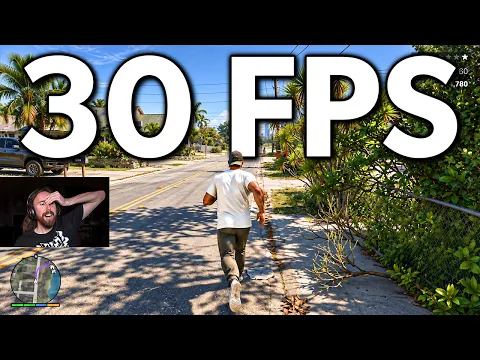
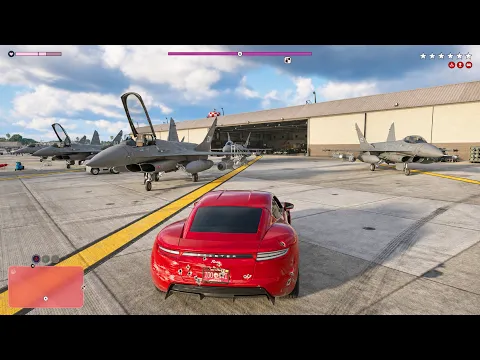
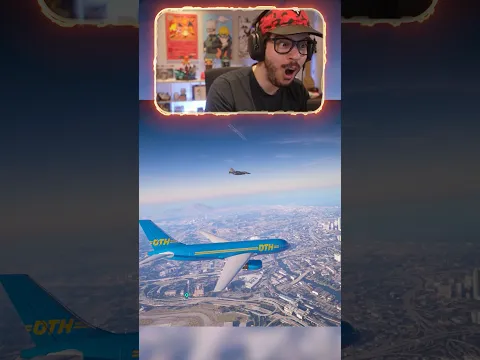
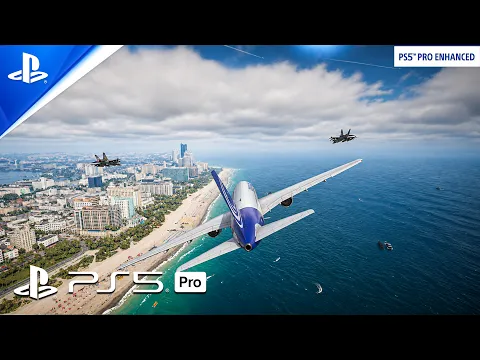
Watch it in action: want to see what gets featured? Browse the best GTA 6 funny moments and the best GTA 6 stunts, then send in something better.
FAQ
How do I submit a GTA 6 clip to GTA6 Clips?
Post the clip on YouTube, TikTok or Twitch, then use the form at /#submit on our home page. Paste the link, add your creator name and tick the license checkbox to confirm it is your clip or that you have the creator's permission.
Will GTA6 Clips re-upload my video?
No. Every clip is embedded from its original platform with the creator's name on it. If you tick the license checkbox, we may also feature it in our YouTube, TikTok or X compilations, always credited to you.
How do I get my clip removed?
Visit our takedown page and send us the clip link. You do not need to give a reason, and our terms commit us to acting within 24 hours.
Watch it in action
GTA6 Clips is an unofficial fan site, not affiliated with Rockstar Games or Take-Two Interactive. Spotted a mistake? Tell us through the contact page.